Frontend
Это содержимое пока не доступно на вашем языке.
Frontend
Section titled “Frontend”Wippy’s frontend system is built around three distinct layers. Understanding how they relate to each other is the starting point for all frontend work.
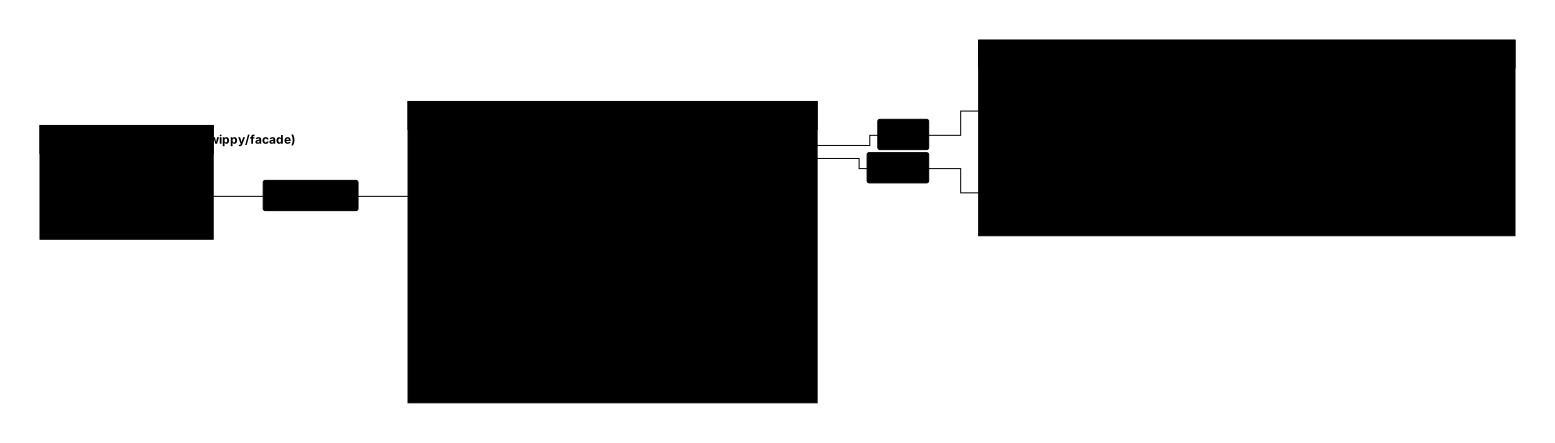
The Three Layers
Section titled “The Three Layers”Layer 1: Frontend Facade
Section titled “Layer 1: Frontend Facade”The wippy/facade backend module is the entry point for serving a Wippy frontend. It registers a thin HTML page and a /facade/config endpoint on your Wippy gateway. When a user opens the application, the facade serves that page, which loads the Web Host JS module from CDN and initialises it with configuration from /facade/config. The page itself carries no Vue or React — it exists only to load the Web Host and hand it its config.
See: Web Host — Facade Entry Point
Layer 2: Web Host
Section titled “Layer 2: Web Host”The Web Host is a Vue 3 SPA delivered from CDN (https://web-host.wippy.ai). The wippy/facade backend loads it as a JS module that takes over the page; the host then reads its configuration from wippy/facade, builds the navigation sidebar from the registry, mounts each registered micro frontend app in its own isolated iframe, and auto-registers web components that are both announced: true and auto_register: true. The Web Host is typically invisible to end users — they see only the micro frontends it hosts.
The entry point for deploying the Web Host is the wippy/facade backend module, which serves a page that loads the Web Host JS module and supplies its configuration through /facade/config.
See: Web Host
Layer 3: Wippy Micro Frontends
Section titled “Layer 3: Wippy Micro Frontends”Wippy frontend code runs inside the Web Host’s isolation boundary. Micro frontend apps are typically full Vue 3 SPAs mounted in iframes. Web components are custom elements mounted in shadow roots. Both kinds communicate with the Web Host through @wippy-fe/proxy — synchronous imports (host, api, on, config, …) that provide auth-aware HTTP, host navigation, theme-aware CSS, and event subscriptions.
Registration and module responsibilities
Section titled “Registration and module responsibilities”The three layers above describe how a Wippy frontend runs. Underpinning them is a registration concern handled by the wippy/views backend module. The backend registers frontend artifacts — micro frontend apps and web components — as registry entries in _index.yaml. The wippy/views module catalogs these entries, exposes them through REST APIs, and serves their static files. This is what tells the Web Host that a micro frontend app or web component exists.
See: Frontend Registry
| Module | Provides |
|---|---|
wippy/facade | Serves the page that loads the Web Host JS module; /facade/config endpoint; wippy-context-2.0 config with auth, env, theming, host UI config, and app branding |
wippy/views | Registry for FE artifacts; routing for mount routes; static file serving; sidebar listing APIs (/api/public/pages/list, /api/public/components/list) |
Navigation
Section titled “Navigation”Frontend Registry
Section titled “Frontend Registry”How the Wippy backend connects to the Wippy frontend through the registry.
- Registry Entries —
_index.yamlformat,specification: wippy-component-1.0,wippy-meta.json - Micro Frontend Apps (view.page) — metadata fields, proxy injection flags,
config_overrides - Web Components (view.component) — autoload gates,
auto_register, props/events schemas - Dynamic Routing — mount route sync,
CmdRouteChanged,classifyLink
Web Host
Section titled “Web Host”How the CDN-delivered Web Host receives configuration, initialises, and manages pages and components.
- Overview — three-layer model, entry points, CDN versioning
- Facade Entry Point — how
wippy/facadeloads the Web Host JS module,/facade/configshape, manual iframe embedding, auth flow - Bootstrap Sequence — facade JS-module init path, manual iframe path,
AppConfiginterface - Multi-Panel Layout — managed-layout mode,
HostLayoutDeclaration, layout API - Proxy & Isolation — iframe proxy vs WC proxy,
IFrameMessageType,<w-iframe>,<w-artifact> - CSS Injection — injection pipeline, per-flag reference,
--wippy-host-*variables - @wippy-fe Packages — every
@wippy-fe/*package, host import map
Wippy Micro Frontends
Section titled “Wippy Micro Frontends”How to build micro frontend apps and web components that run inside the Web Host.
- Micro Frontend App — scaffold, Vite config, bootstrap sequence, router sync
- Web Component —
WippyVueElement, props, events, shadow DOM CSS - Chat Web Components — ready-made
<wippy-chat>& co.; composable chat elements you drop into any child - Proxy API — complete
@wippy-fe/proxyreference - Theming — CSS cascade, semantic variables,
hostCssKeys - Build System —
@wippy-fe/vite-plugin,wippy-meta.json, externals - Host-less Mode — local development without the Web Host
- Compliance Checklist — MUST/SHOULD rules for production frontend